Showing posts with label Office Software. Show all posts

Sunday, December 23, 2012

Microsoft Toolkit 2.4 Beta 7


Microsoft Toolkit For Office 2010/2013 Activator Key - a set of tools to manage the licensing and activation of Microsoft Office and Windows.All output from these functions is displayed in the Information Console. All functions are run in the background and the GUI is disabled to prevent running multiple functions, as they could conflict or cause damage if run concurrently.

Saturday, December 8, 2012

Office 2013 KMSmicro Activator vK.12


PLEASE READ
For those who failed to activate office 2013 with Office 2013 KMSmicro Activator v3.10

INSTALL INSTRUCTIONS

1. Install Microsoft Office 2013 x86 or x64 of your choice. Recommended to use
Volume License

2. Extract "KmsMicroK12.rar" on to your desktop and Run "KmsActivator.cmd" as Admin

Microsoft Office ProPlus VL (x86/x64)


INSTALL AND ACTIVATION INSTURCTIONS
Copy "KMSmicro v3.10.rar" on to Desktop and then extract it !


Activation of Office 2013: FRESH INSTALL (Recommended)

1. Run "0-0-KMSmicro-normal.cmd", waiting for the server to boot. If for some reason
the server does not start, go to the folder and qemu to start it, the file there "KMSdebug.cmd"

2.Press "T" for time synchronization server. (Do not close this window-IMP)

Friday, November 9, 2012

Adobe Acrobat XI Pro v11

                  Image


Title: Adobe.Acrobat.XI.Pro.v11.0.Multilanguage.Incl-Keymaker

Version: Pro.v11.0.Multilanguage
Size: 500mb
Official site: http://doridro.com/url/lSiSgB
Original Uploader's Note: Keymaker not generator, Read directions carefully they are complicated but they did work for me.
Some Downloader's Comments/Tips:
01. if you do it one step at a time it works. All it is saying is install it as atrial no need for any numbers just install it as a trial. ( you are now disconnected from internet and now you start the program) Once the program begins accept the conditions of use a start window pops up and in the bottom right of the window there is an option click on it the option reads License This Software. once you clcik on that you will have the option to enter the serial. ( HE ALSO STATES Be sure you have admin rights on your system).
02. make sure when you are offiline when you enter the serials otherwise they wont work.
03. Worked great for me - love the new convert pdf to ppt file function... it is flawless!
Installation Note:
There are some tricky steps please read and apply carefully.

1. Close internet connection. IMPORTANT

2. Install application as trial from "Adobe Acrobat XI" folder by
running "setup.exe" (Be sure you have admin rights on your system)

3. Open the application and accept the conditions of use. Select
"Licence This Software"

4. Enter one of the serials below ; (Do not forget which one you used)

1118-1993-2046-6322-6067-9110
1118-1551-7298-8490-8910-4435
1118-1088-9818-3636-2479-0297
1118-1194-1581-4556-8113-6593
1118-1470-8779-0264-4009-3244

5. Select "Connect Later" and close application.

6. Open application and wait for "Serial Number Validation" page.

7. Click on "Having trouble connecting to the internet?" and select
"Offline Activation" and click on "Generate Request Code" button.

8. Run "xf-mccs6.exe" from "Activator" folder and ;
a.Enter previously used serial in first blank area.(delete existing words)
b.Enter "Request Code" from application to second blank area.
c.Click on "Generate" and copy this code to application"s "Response
Code" area.
d.Click on "Activate" and be sure to see the statement below ;
Acrobat Pro XI has been activated and is ready for use

9. Close the application and go to folder ;
C: \ Program Files \ Common Files \ Adobe \ ARM \ 1.0
OR
C: \ Program Files (x86)\ Common Files \ Adobe \ ARM \ 1.0

10. Find the files and rename them as shown below;
- AdobeARM ---> AdobeARMLiu
- Armsvc ---> ArmsvcLiu
- AcrobatUpdater ---> AcrobatUpdaterLiu

11. IMPORTANT: Use your firewall to stop internet connection of the
application and uncheck automatic updates. Don't update it.


Password: M.A.@doridro.com

Microsoft Office Professional Plus 2013 FINAL

                                  Image


This Is The Original English Language Of Microsoft Office Professional Plus 2013 FINAL (x86/x64) ISO From Microsoft. Genuine Untouched MSDN ISO.

Office 2013 is the future of productivity. It is an exciting release for users and developers alike. Wherever you go, Office 2013 roams with you, incorporating your email, important documents, contacts, calendars, and personal settings on nearly any device, including touch-enabled experiences

Office 2013, the new flavor of the application comes with a new, intuitive design, which has been developed to work great with touch, stylus, and mouse and keyboard.

The new Office 2013 was announced with support for Microsoft’s Windows platform, and can be used on a variety of devices, including tablet PCs.


Image
Image
Image
Image
Image


Microsoft Office Professional Plus 2013 Contain:
• Microsoft Access
• Microsoft Excel
• Microsoft InfoPath
• Microsoft Lync
• Microsoft OneNote
• Microsoft Outlook
• Microsoft PowerPoint
• Microsoft Publisher
• Microsoft SkyDrive Pro
• Microsoft Visio Viewer
• Microsoft Word
• Office Shared Features
• Office Tools

System Requirements:

• CPU: 1Ghz x64/x86
• RAM: 1Gb
• HDD: 3.5 Gb
• Video: DirectX10 1024x576
• OS: Windows 7, Windows 8

                          500MB Split Links [All Links Interchangeable]:


Single Link 1.4 GB : 


Serials Only:


Pass: doridro.com


Tuesday, September 25, 2012

Kingsoft Office Pro 2012


Kingsoft Office 2012 Professional v8.1.0.3377
Free Download Kingsoft Office 2012 Pro v8.1.0.3377 Full Key/ Serial Number/
Crack is an office suite of desktop applications, which consists of a word processor –
Writer , a spreadsheet program – Spreadsheets and a presentation program –
Presentation. Compared with other office suites, Kingsoft Office is regarded as the best
Microsoft Office alternative, which provides user-friendly interface and excellent
performance.
In addition to the innovative features in the last version such as multiple tabs, interface
switch, powerful paragraph layout tool and Office to PDF converting, this version has
added various new features allowing you to change interface color scheme, arrange
windows side-by-side, add watermarks in document and convert presentations to word
document.
Features and functions of the program:
Kingsoft Writer 2012 is a product that is an alternative to Microsoft Word. It can open, edit
and save the main document types: *. Doc, *. Docx (MS Office 2007) and other formats
as: *. Rtf, *. Txt, just saves the file with the extension *. Html. The program has a few
more features, such as flip Google Search, handler functions, support for OLE objects,
PDF files.


Kingsoft Presentation 2012 – replacement of Microsoft PowerPoint, it can create
presentations and multimedia slide show. KS Presentation works with such files as *.

Ppt, *. Pps, *. Pot. In addition, the program uses the built-in graphics, sound and Flashobjects that can be imported SWF-files. Kingsoft Presentation offers the “Dual Screen,
Advanced” – you can show different patterns on different monitors.
Kingsoft Spreadsheets 2012 is working with files *. Xls, *. Xlt (template), *. Dbf, *. Txt, *.
Csv, and compatible with *. Xlsx file (Microsoft Office 2007). The program offers four
types of encryption, including 128-bit RC4 encryption password protection for sensitive
data.
Kingsoft Office 2012 Professional v8.1.0.3377 Key Features:
Support *. Docx, *. Xlsx;
Export to PDF-file;
Coding before saving;
Prepare to print several new instruments;
Support for OLE Automation:
Program Kingsoft Office Suite Free 2012 has English interface, and is completely
transparent to the user Microsoft Office.


Special Features of Kingsoft Free Office Software

paragraph adjustment in office
With Kingsoft Writer 2012, you can edit paragraphs easily by dragging-and-dropping. This paragraph editing tool allows convenient adjustments of a paragraph's indentations and line spacing.
multiple tab in office
Avoid the hassle caused by switching between multiple document windows.
The tab bar that appears above the editable area allows you to switch between documents quickly and conveniently.
free office humanized table
Office Free offers a large number of table styles to help you insert colorful tables, and add great vibrancy to the boring data. Quickly select, move tables, and add additional rows or columns by clicking shortcut operations on the table.
free office to pdf converter
Export files created with Kingsoft Writer, Spreadsheets and Presentation directly to PDF format. Open and convert Microsoft Word (.doc, .docx), Excel (.xls, .xlsx) and PowerPoint (.ppt, .pptx) files to PDF format.

Other Great Features of Kingsoft Office Free 2012

spell check in office
Use the built-in spell checker to proofread your word document. Any incorrect words are underlined in red while you type. Writer Free will suggest a list of possibly correct words to help improve your word document.
free office package small
The install package is just 50MB, which is only one-tenth the size of other office suites. Taking up less space on a computer means the software runs significantly faster than other office suites.
free office document encryption
Protect your privacy by preventing others from viewing or changing the files. Enter a read-only password to only allow file browsing, and a read-write password to both browse and modify. Protect privacy to prevent others seeing or changing the files.
email free office
View and edit email attachments by Kingsoft Office.
The built-in emailing function makes it easy to share documents.

Highest level of file compatibility and interoperability with Microsoft Office

free office compatibility
If you have files in formats common to other office software packages, you need not worry about compatibility issues, as Kingsoft Office is readily capable of opening and editing files in such formats. This is not just limited to .doc, .ppt and .xls formats like other open-source alternatives, but even includes the modern Open-XML .docx, .pptx and .xlsx formats.
Writer:
Input file formats: Word (97/2000/2003/2007/2010) doc, dot, docx, .rtf, .wps and .wpt formats
Output file formats: Word (97/2000/2003) .doc, .dot, .wps and .wpt format.
Spreadsheets:
Input file formats: Excel (97/2000/2003/2007/2010) .xls, .xlsx, .xlt, .csv, .xml, .et and .ett 
Output file formats: Excel (97/2000/2003) .xls, xlt, .csv, .xml, .et, .ett and more.
Presentation:
Input file formats: PowerPoint (97/2000/2003/2007/2010) .ppt, .pptx, .pps, .pot, .dps and .dpt formats
Output file formats: PowerPoint (97/2000/2003) .ppt, .pps, .pot, .dps and .dpt format.
Required Operating System:

Windows 2000 / Windows XP
Windows Vista (32bit, 64bit) 
Windows 7 (32bit, 64bit)


      Basic Configurations:

CPU: Pentium II 266 MHz or higher
Memory: at least 128 MB
Hardware: at least 200 MB available space


     Recommended Configurations:

CPU: Pentium III 450 MHz or higher
Memory: 256 MB or larger
Hardware: 250 MB available


What's new in Free Office Suite 2012

New: Support comparing two document windows side-by-side
New: Support adding watermark to documents
New: Support recently used document management function
New: Add the page background function
New: Support converting Kingsoft Presentation files (*.ppt) into Kingsoft Writer file formats (*.doc and *.wps). 
New: Introduced the ET new engine to enhance the computing speed in Kingsoft Spreadsheets

For more feature updates, view Kingsoft Office Suite 2012 Update History.


Password  ( If need) : www.daoudsoftwares.tk


Monday, September 24, 2012

Broadgun pdfMachine Ultimate 14


Broadgun pdfMachine Ultimate v14.49 Full Crack

Broadgun pdfMachine Ultimate v14.49 Full Version - Merupakan sebuah printer driver yang dapat mengolah, mengedit dan mengkonversi file lain ke dalam format PDF. Untuk proses edit file PDF dengan program ini, Anda bisa menambahkan stamp, teks, gambar, bahkan audio ke dalam halaman-halaman PDF. Output program ini cukup bagus dan hampir tidak ada cacat. Mulai dari tabel, layout yang kompleks, jenis huruf yang agak unik, hingga angka yang berukuran kecil terlihat seperti file aslinya.

Screenshot


Ultimate Features:
  • Print to create PDF
  • PDF Editing and mark-up
  • Open any PDF
  • Comment PDF
  • Multilingual font support
  • Mail Integration
  • Small File Sizes…

Password: koskomputer

Sunday, September 16, 2012

Tracker Software PDF-Tools 4


Allowing both the creation (from Image file formats, Image Scanners/Web CAMS and text files etc) and manipulation of Adobe compatible PDF files, PDF-Tools is an ideal tool to compliment your existing PDF creation application or as a 'stand alone' tool in it's own right! And PDF-Tools requires no additional 'plug-ins' or applications such as Adobe Acrobat or Distiller.

Functions:
• Scan/Import Images from any Twain or WIA device to PDF
• Convert Text files to PDF
• Batch convert Image file formats to PDF (allows user to mount muliple images vertically/horizontally per page)
• Merge and/or Overlay PDF pages and files
• Delete or extract Pages from a PDF file
• Extract Images and Text from a PDF file to other formats. 
• Extract formatted text and images to .RTF and .DOC and open in your preferred Word Processor etc for editing/re-formatting
• Create & Edit Bookmarks
• Create Thumbnails
• Add Header/Footer style Watermark text
• Re-number pages (i.e. after merging multiple files) - includes intelligent Macro's to automate and overprint in required location of page(s)
• Merge (overlay) PDF pages as stationary/forms onto text or another PDF pages - in background or foreground mode.
• Send Functions:(Applies to all file types, not simply PDF's)
• Email (Via MAPI or SMTP)
• FTP - FTP your Files to a Server
• HTTP - Post files to a Server
• Optimise font embedding in existing PDF files.
• Add/Modify Security with both 40/128 Bit & AES encryption supported
• Add text or Image based Watermarks to pages or entire files.

Home Page - http://www.tracker-software.com/


Installation Note:
1. Please turn off your Antivirus because most of Antivirus detected Keygen as a virus but it’s safe.
2. Install the soft normally.
3. Block the software with firewall to avoid getting unregistered again. 
4. Use our Keygen, generate a key and use it. 
5. Enjoy the full Soft.
6. Support the companies, which software you actually enjoy.


Password: hatemtai.com


Tuesday, September 11, 2012

Microsoft Office 2013 Professional Plus


Microsoft has released the Microsoft Office 2013 Professional Plus of its next version of Office productivity suite, Office 2013 (codenamed Office 15). Microsoft has not yet officially named Office 2013, but semi-officially, it’s called The New Microsoft Office. With Office 2013, Microsoft is also pushing hard Office 365, an alternative way of getting the latest version of its productivity suite via subscription and not the traditional up-front payment model, used to get the desktop Office suite.
The Customer Preview milestone (public beta) of Office 2013 is now available for end users to download and test on Windows 7 and Windows 8 desktop PCs, notebooks, and tablets. According to Microsoft, Office 2013 is the “modern” version of their popular productivity suite which is used on billions of PCs worldwide.


Office 2013 will come in different versions for home and business users, which are further divided between the subscription-based cloud service and the traditional software package that includes individual desktop programs. Microsoft has not yet released complete details about the prices and packages of the productivity suite. Meanwhile, the software giant did released few details about Office 365′s subscription-based cloud service. Office 365 will come in Home Premium (includes 20GB of SkyDrive storage and 60 minutes of Skype world minutes a month), Small Business Premium (includes shared calendars, business-class mail, HD conferencing), and ProPlus (for enterprise customers).
While, in one hand, Microsoft seems to be clearing confusion by reducing the number of Windows 8 versions and Windows Server 2012 versions, which will be available for purchase. But, with its upcoming Office suite, Microsoft seems to be going the opposite direction. If you buy Office 2013, you will only get maintenance updates, but if you stay subscribed to Office 365, your Office will be always up-to-date. These two different pricing models may be very confusing for most consumers. Microsoft is also going to release RT version of Office for ARM-based tablets, which will be included for free on RT devices including the Surface. Office Home and Student 2013 RT will include Word, Excel, PowerPoint, and OneNote.
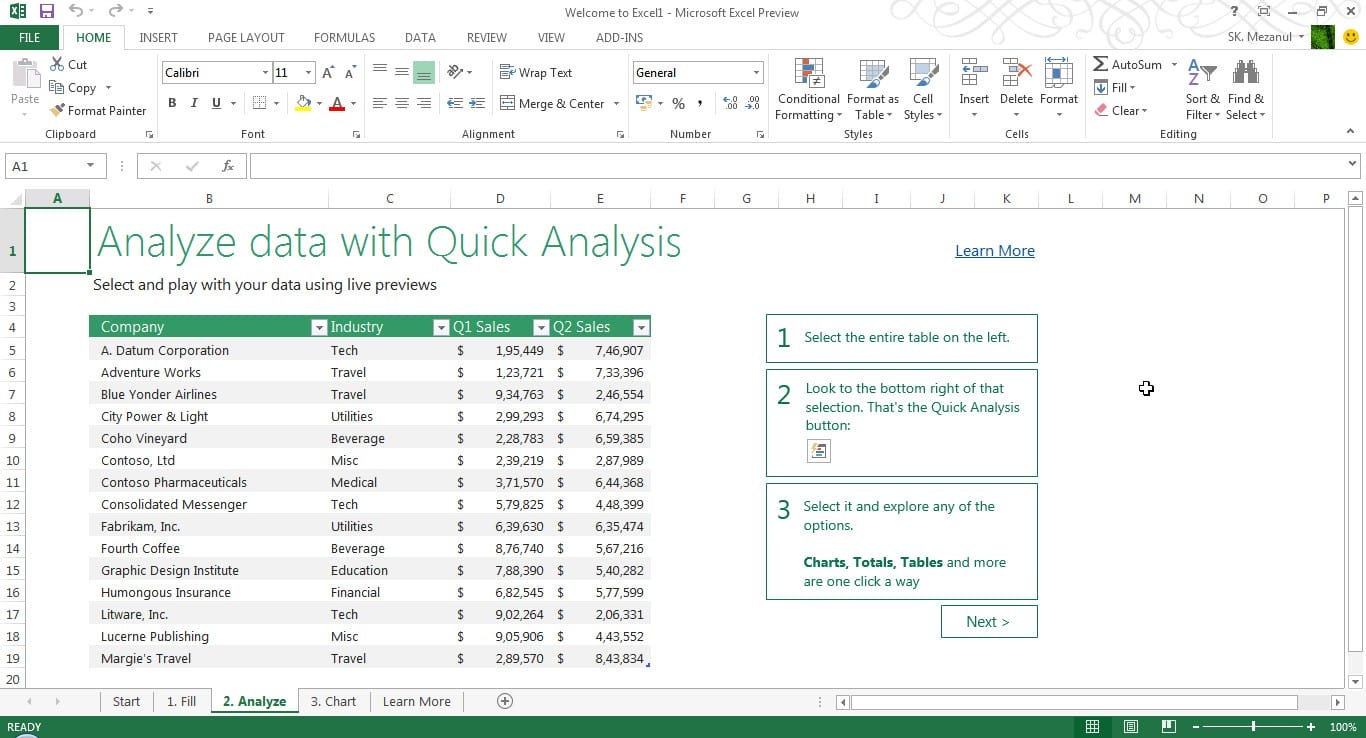
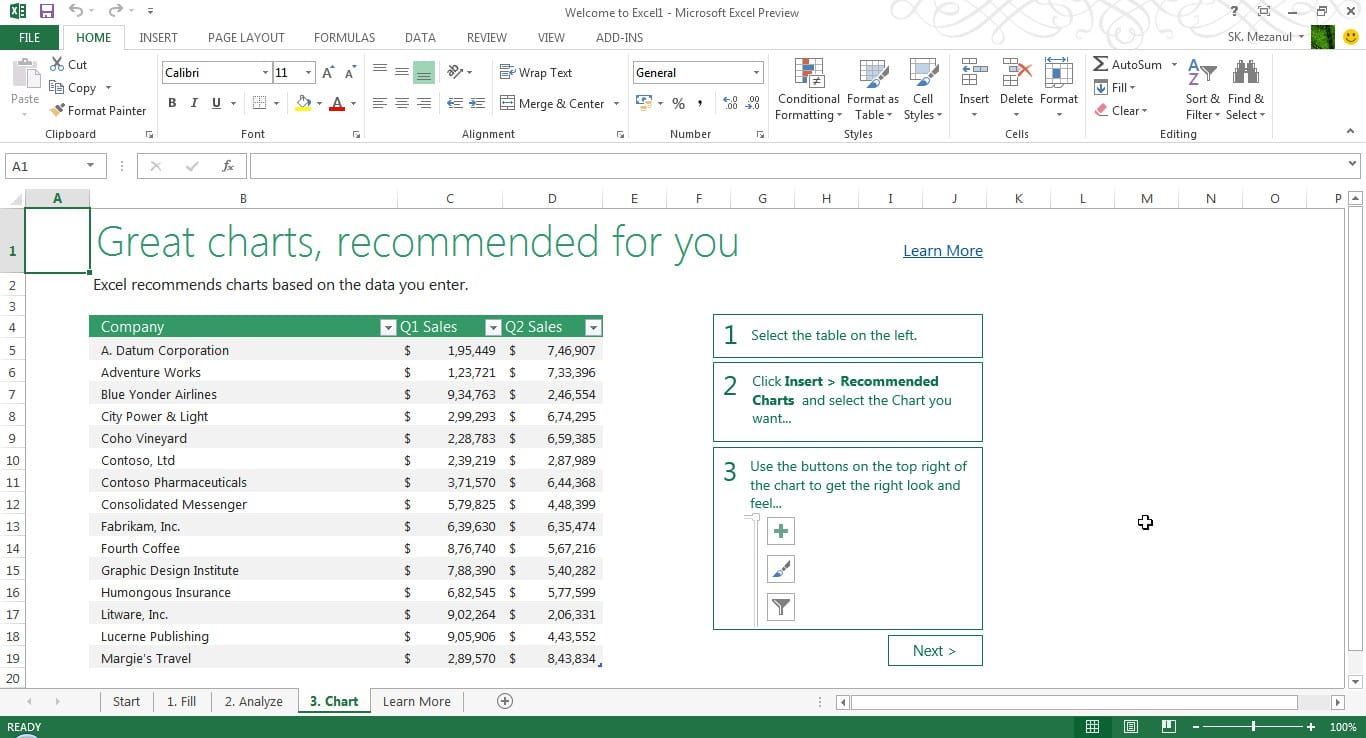
The most notable changes seen in the Customer Preview of Office 2013 are better cloud-integration, clean Metro-like user experience, touch and stylus-friendly for Windows 8 tablets, integrated social features and Skype, Click-to-Run (C2R), a virtualization technology, which lets you use Office applications before installation is complete.

Microsoft Office 2013 Features At-a-glance


Touch everywhere. Office responds to touch as naturally as it does to keyboard and mouse. Swipe your finger across the screen or pinch and zoom to read your documents and presentations. Author new content and access features with the touch of a finger.
Inking. Use a stylus to create content, take notes and access features. Handwrite email responses and convert them automatically to text. Use your stylus as a laser pointer when presenting. Color your content and erase your mistakes with ease.
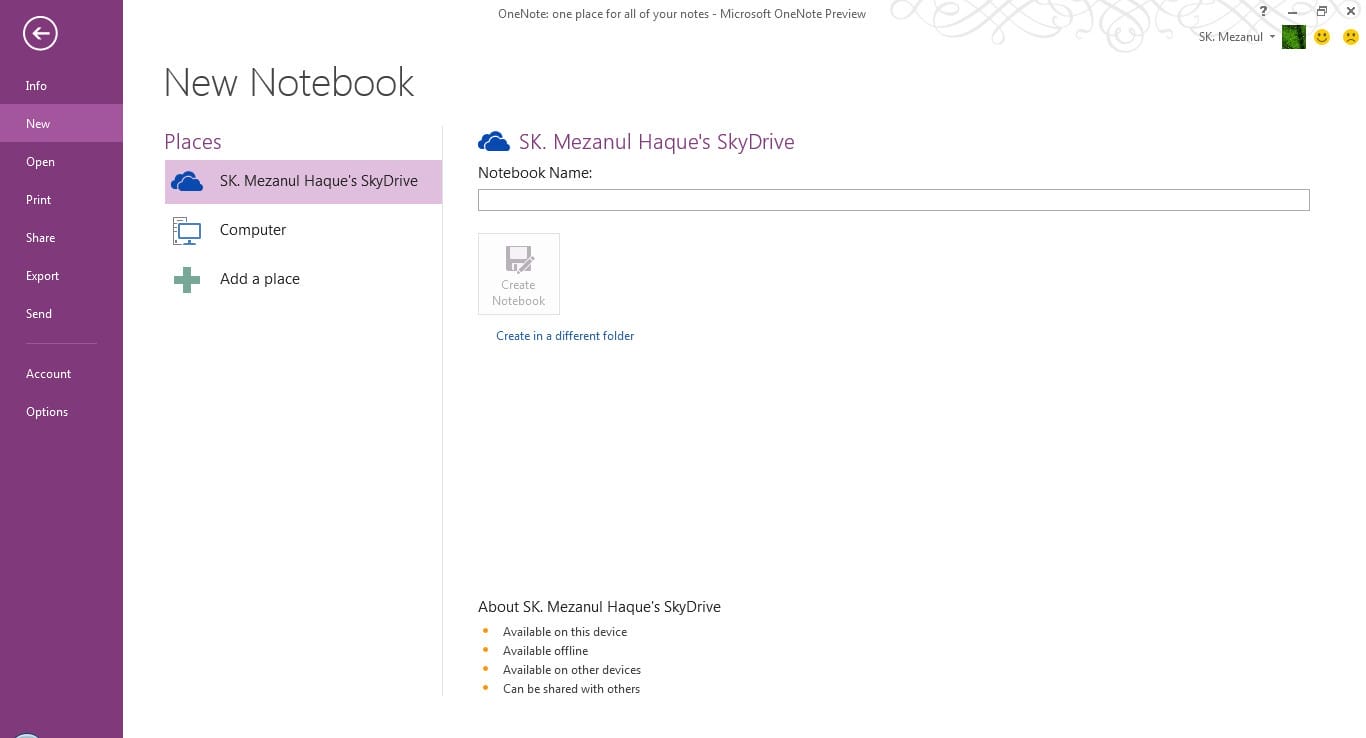
New Windows 8 applications. OneNote and Lync represent the first new Windows 8 style applications for Office. These applications are designed to deliver touch-first experiences on a tablet. A new radial menu in OneNote makes it easy to access features with your finger.
Included in Windows RT. Office Home and Student 2013 RT, which contains new versions of Word, Excel, PowerPoint and OneNote applications, will be included on ARM-based Windows 8 devices, including Microsoft Surface.
To activate Microsoft Office Professional Plus 2013 Preview, Open Microsoft Word 2013 Preview and click on the “File” tab. This will take you to the Backstage view. Next click “Account” in the set of tabs on the left. Click “Change Product Key” on the right side of the screen. Enter the Multiple Activation Key (MAK) you received from the link above. If you are online then check the box to activate automatically or restart the app to activate using the activation dialog box. Entering the MAK key in Microsoft Word 2013 Preview automatically activates all the Office Professional Plus 2013 Preview applications. Click on the “File” tab to return to the Document view.

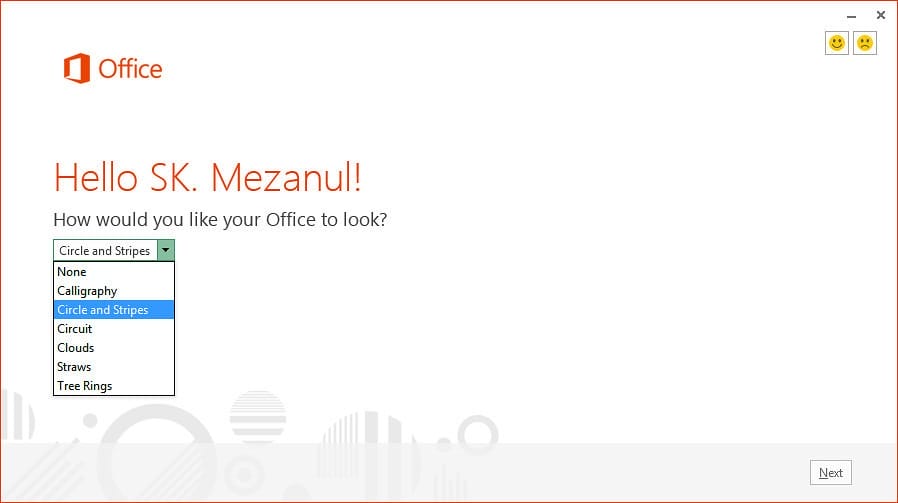
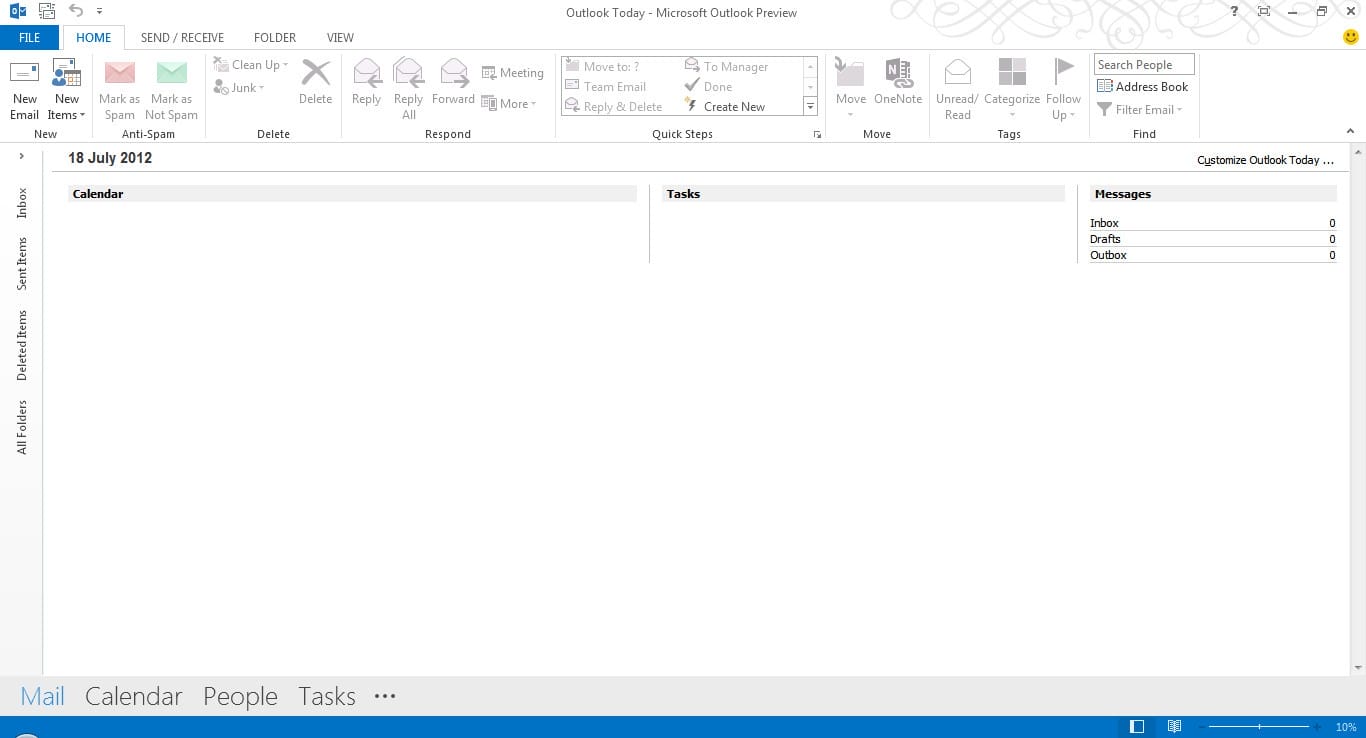
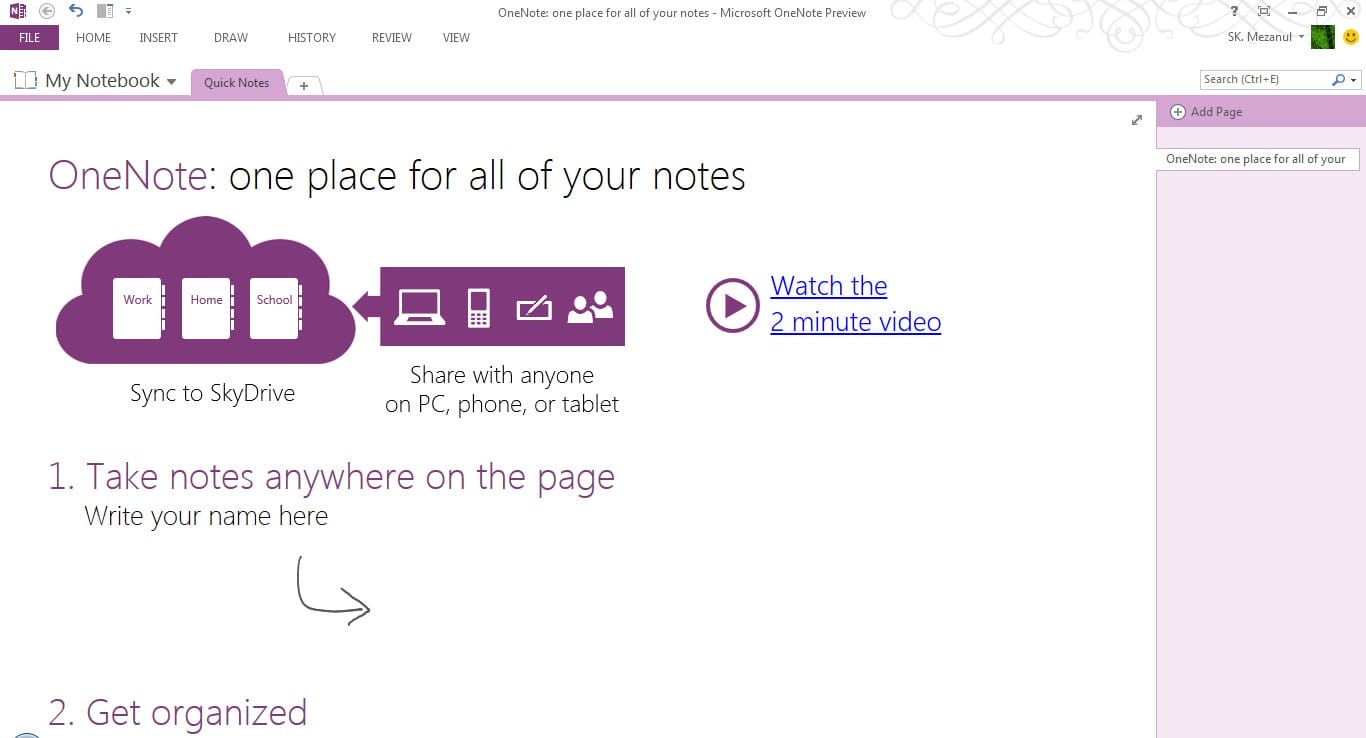
The New Microsoft Office (Pictures)


Microsoft Office 2013 System Requirements

  • Computer and processor: 1 gigahertz (GHz) or faster x86 or x64-bit processor with SSE2 instruction set
  • Memory (RAM): 1 gigabyte (GB) RAM (for 32-bit version); 2 gigabytes (GB) RAM (for 64-bit version)
  • Hard Disk: 3.0 gigabytes (GB) available disk space
  • Display: Graphics hardware acceleration requires a DirectX 10 graphics card with at least 1024 x 576 resolution
  • Operating System: Windows 7, Windows 8, Windows Server 2008 R2, or Windows Server 2012
  • Browser: Microsoft Internet Explorer 8, 9, or 10; Mozilla Firefox 10.x or a later version; Apple Safari 5; or Google Chrome 17.x.
  • .NET version: 3.5, 4.0, or 4.5
  • Multi-touch: A touch-enabled device is required to use any multi-touch functionality. However, all features and functionality are always available by using a keyboard, mouse, or other standard or accessible input device. Note that new touch features are optimized for use with Windows 8.
  • Additional requirements and considerations: Some functionality may vary, based on the system configuration. Some features may need additional or advanced hardware or server connectivity. See www.office.com/products for more information.

If you are already running Office 2010, Office 2007 or Office 2003, you don’t have to uninstall it to run Office 2013. According to Microsoft, this new Customer Preview version of Office 2013 can be installed along your existing Office suite.
Note: The Customer Preview of Office 2013 expires 60 days after Office 2013 RTM (final version) becomes available in the market. Once the Customer Preview version has expired, the applications will enter read-only mode. In read-only mode you will be able to only view Office files, you will not be able to create, edit or save any Office files. You must uninstall the Customer Preview version of Office before installing a newer version of Office.

How to uninstall Office 2013 (Office 15) or Office 365 Customer Preview?

Before you go ahead to uninstall Office 2013 from your PC, you have to deactivate it.
  1. If you have installed Office 365 Home Premium (Customer Preview), visit this page. If you are running any other edition of Office Preview, visit office365.com to deactivate it.
  2. Sign in with your account details to get access to My Account page.
  3. Click on the Deactivate button to deactivate Office Preview.
  4. After deactivation, open Control Panel and click on Programs and Features.
  5. Select the Office version installed on your computer system and click on Uninstall.
  6. Follow the uninstall wizard to completely remove Office 2013 (Customer Preview) from your computer.


Direct Download Links for Office 2013 (Customer Preview) Standalone Offline Installer

Mediafire,Uploaded,ShareBeast,UploadCore Download Link !!!!